
The Engagement style.
Sparkling ring moments and joyful proposal celebration.
Sparkling bokeh, golden light, and the glow of a perfect moment. The Engagement style wraps any photo in romantic champagne tones, subtle diamond sparkle, and rose petals — capturing the magic of saying "yes." Your subject stays crystal clear while the celebration radiates around them.
Perfect for proposal announcements, engagement party invitations, or ring reveal posts on social media. Upload your photo, preview the transformation with your free sign-up credits, and grab a credit pack for the 4K version that makes the moment shine.
Couples, wedding photographers, and jewelry brands use it to turn everyday snapshots into stunning engagement-worthy imagery — from ring selfies to save-the-date cards.
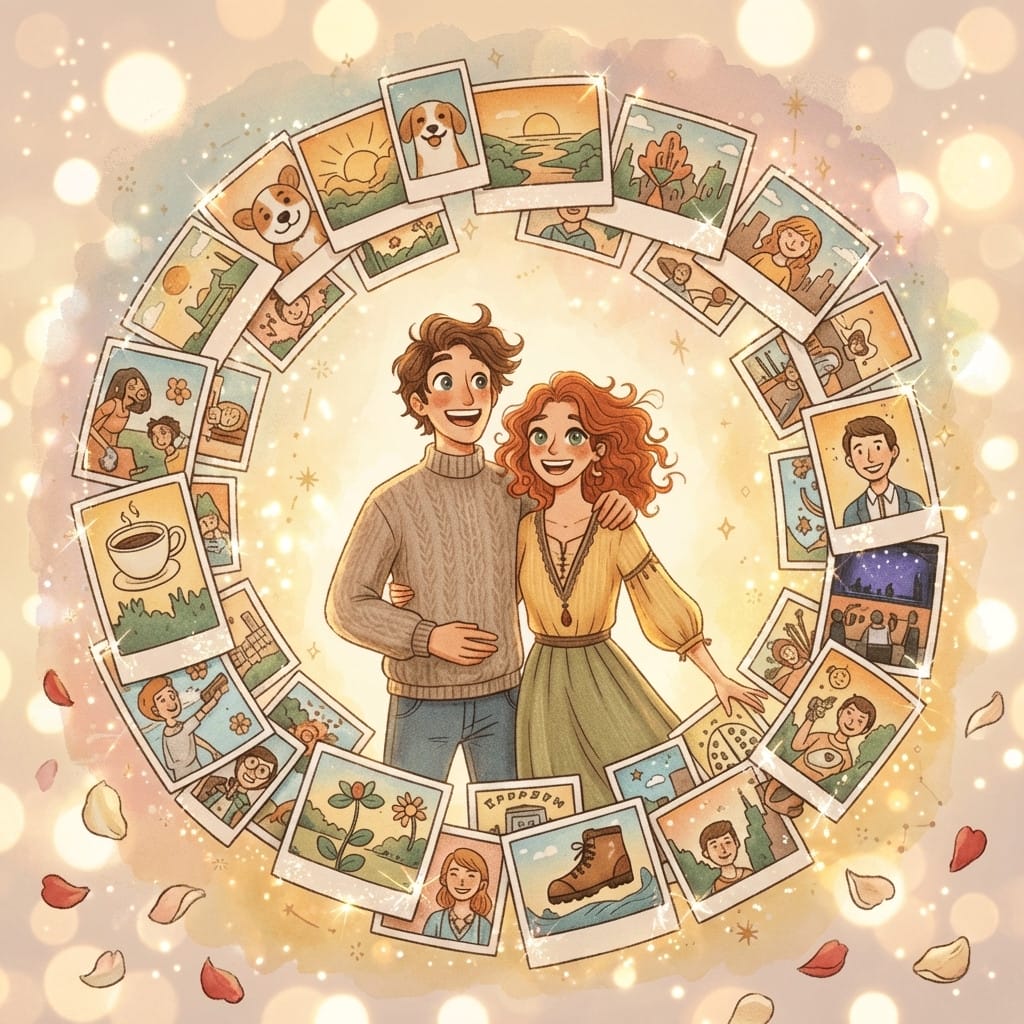
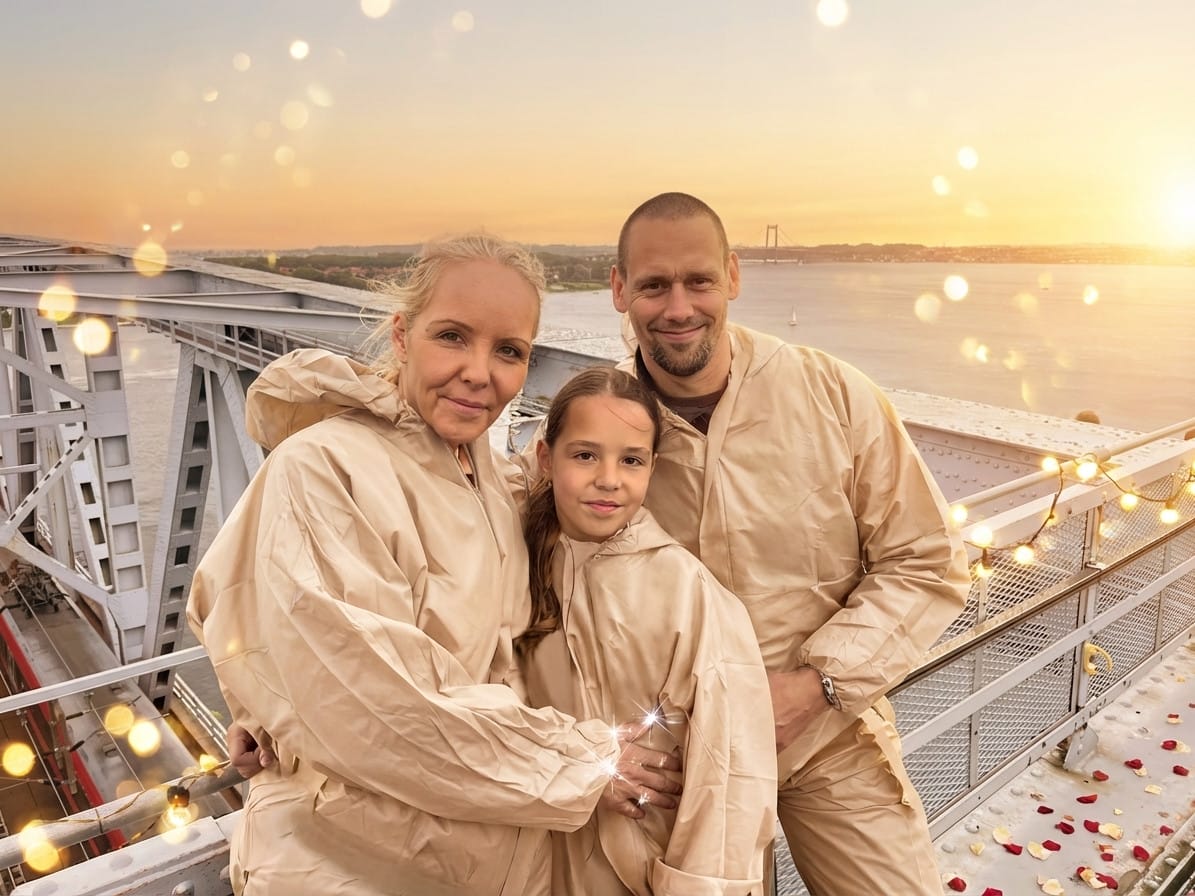
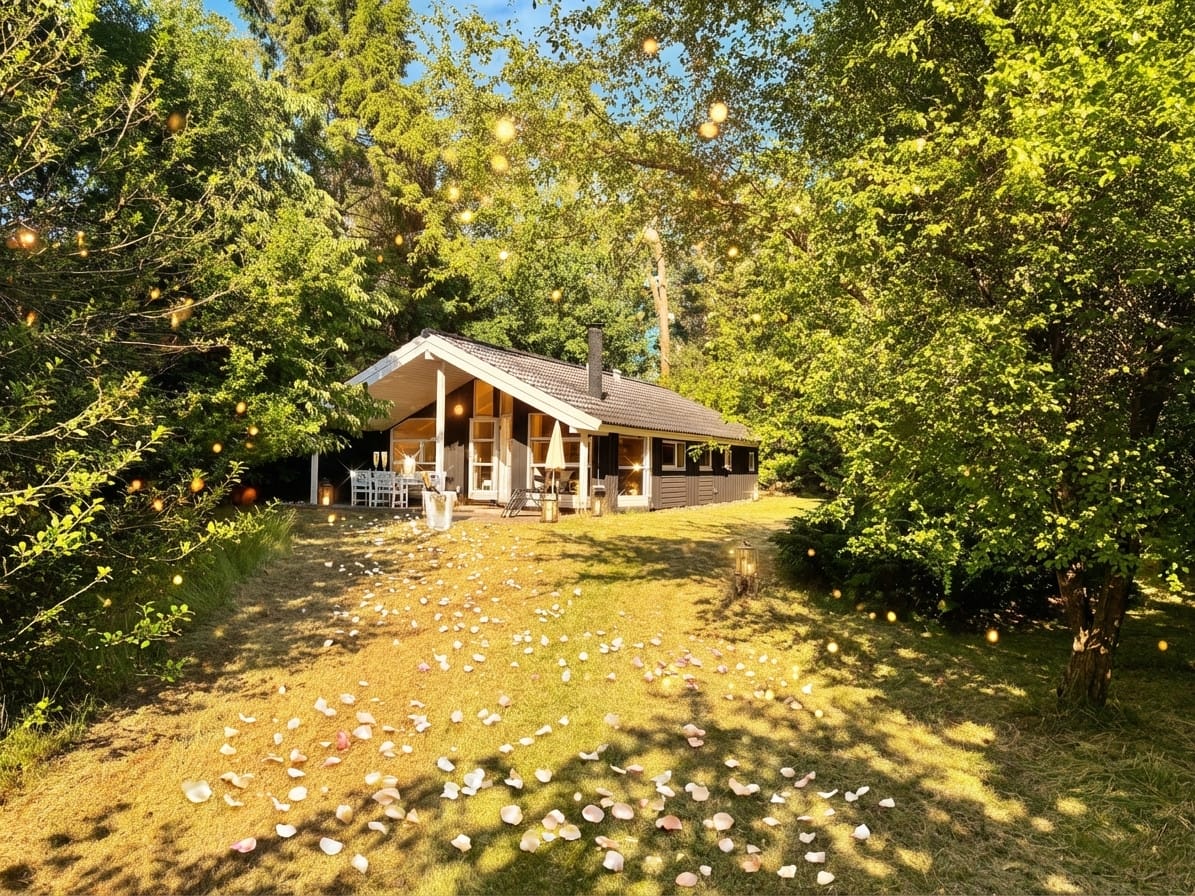


25 free credits on sign-up · no credit card required
Works for more than you'd think.
How it works
Upload your photo
Upload any photo — portraits, pets, products, landscapes. Our AI keeps your subject intact.
Apply the style
Select the style and get a free instant preview. See the transformation before you pay.
Download in 4K
Love it? Pay once and download the full-resolution version. No subscription needed.
Engagement photo tips
- Engagement season peaks. December (holidays) and February (Valentine's Day) see the most proposals. Prepare content ahead of these windows.
- Ring close-ups. Hand-with-ring photos transform beautifully with the diamond-sparkle overlay — perfect for ring reveal posts.
- Save-the-date cards. Use the 4K download directly for printed or digital save-the-date invitations.
- Pair with Wedding. Use Engagement for the proposal announcement and Wedding for the ceremony and reception content.
Frequently asked questions
How do I create an engagement photo?
Upload any photo to Stemning, select the Engagement style, and preview it with your free sign-up credits. The AI adds romantic bokeh, champagne sparkle, and diamond-light effects.
Does this work for ring close-ups?
Perfectly. Hand-with-ring photos get a beautiful diamond-sparkle overlay that makes the ring shine.
Can I use this for save-the-date cards?
Yes. The 4K download is print-ready for save-the-date invitations, both printed and digital.
When is engagement season?
December (holiday proposals) and February (Valentine's Day) see the most engagements, though proposals happen year-round.
Is a subscription needed?
No. Previews use your free sign-up credits, and the 4K download costs one credit with a one-time credit pack — credits never expire.
Get more styles in one go.
This style is part of a curated pack. One purchase, every style inside.
Explore more styles
Stemning offers 73+ moods to transform your photos. Try another style:
Ready to transform your photos?
Start with 25 free credits. No subscription — each credit previews a style, and 4K downloads come with credit packs.
Try Engagement style