
The Wedding style.
Romantic whites, blush highlights, and dreamy ethereal glow.
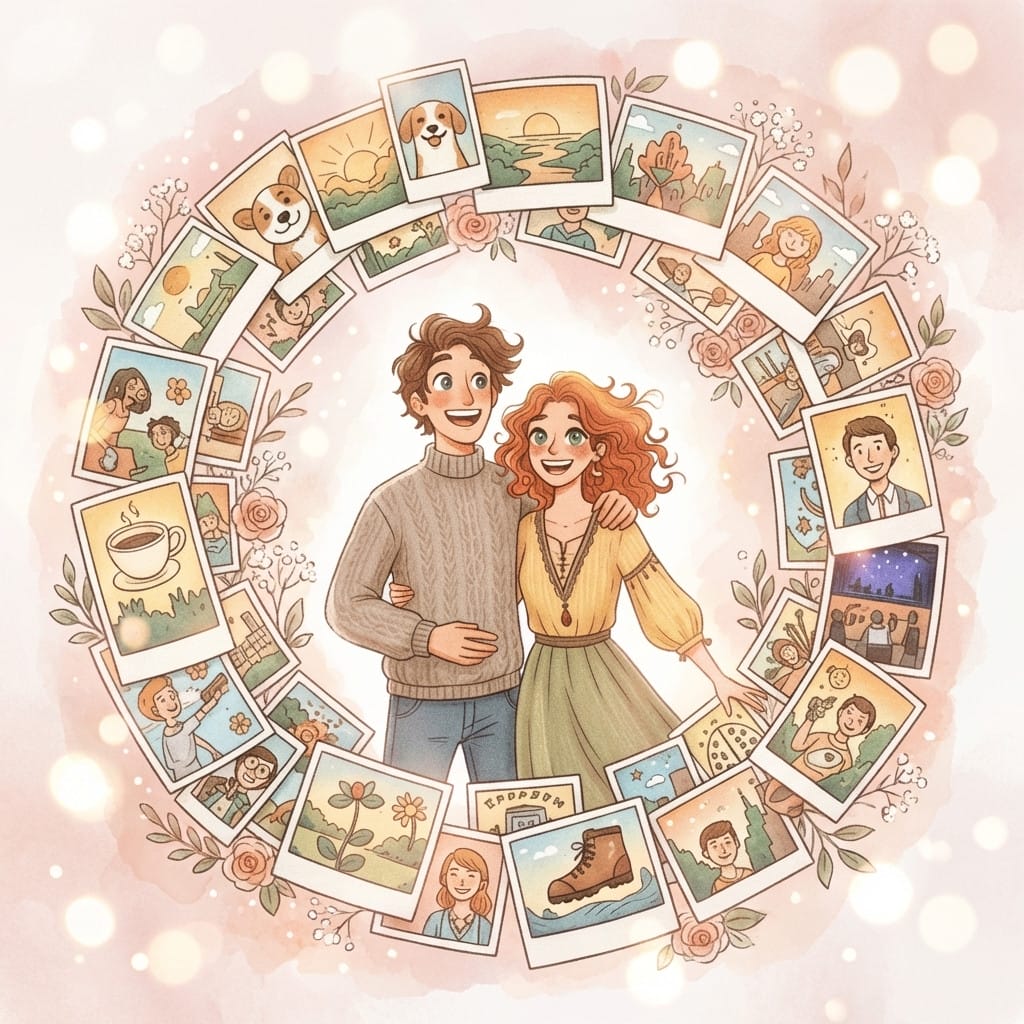
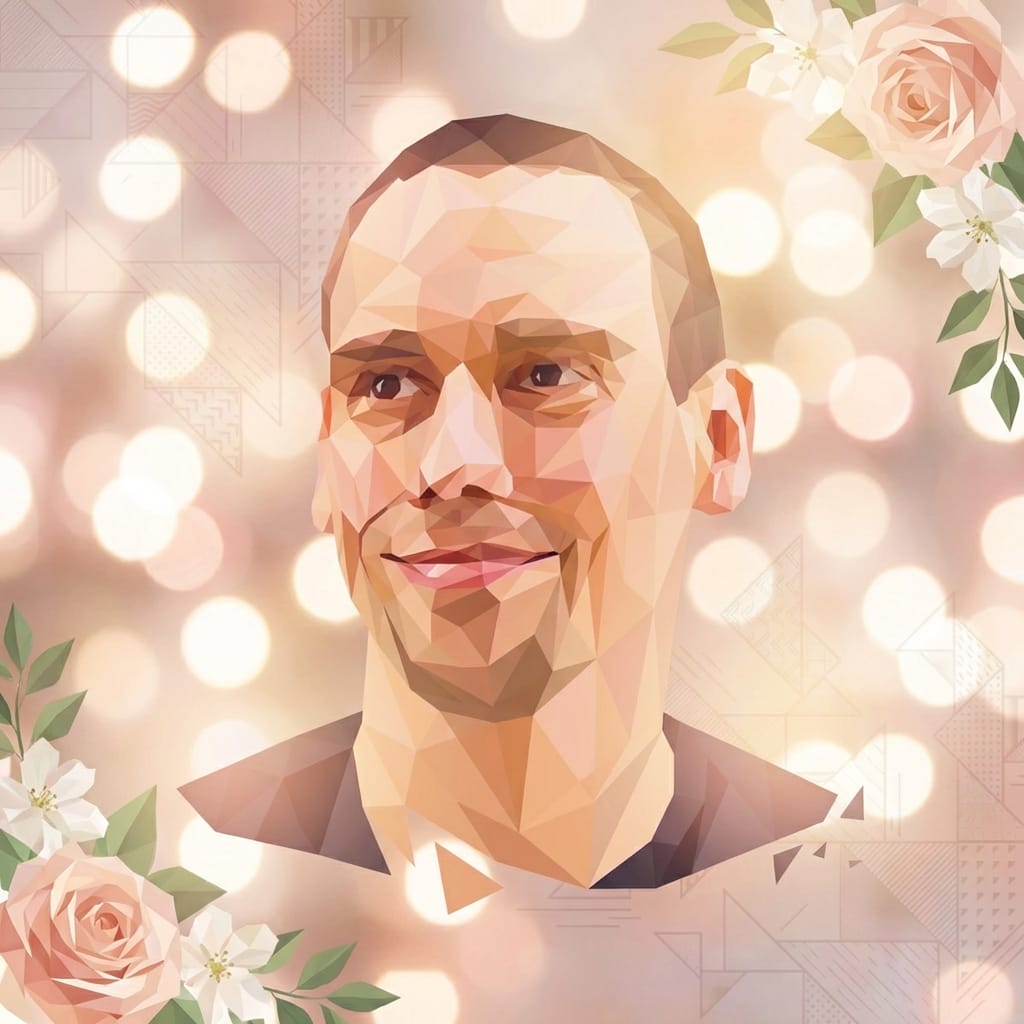
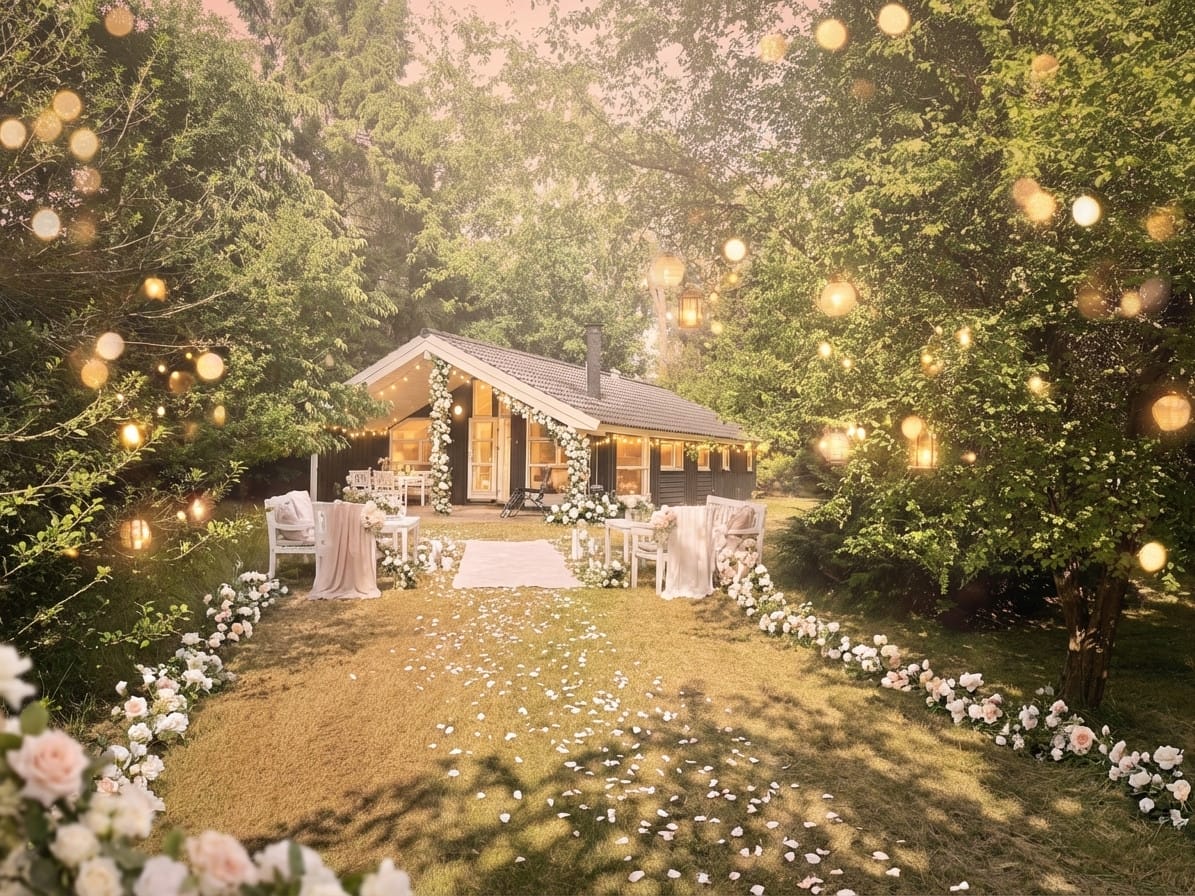
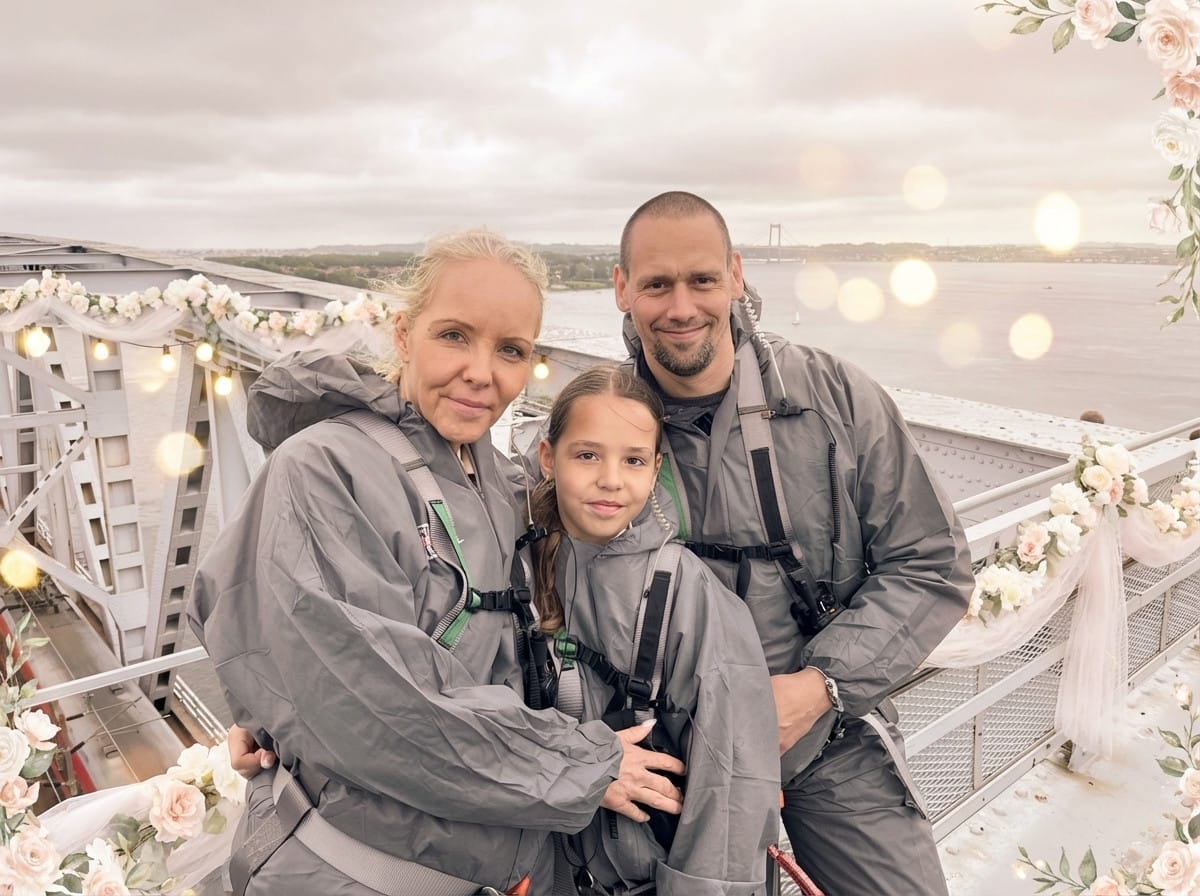
Soft whites, blush pinks, and a dreamy ethereal glow that makes every photo feel like the most beautiful day. Stemning's Wedding style adds gentle bokeh lights, warm romantic lighting, and subtle floral accents — turning any image into something straight out of a bridal magazine. Your subject stays perfectly sharp; the romance radiates from the scene.
Perfect for save-the-dates, engagement announcements, bridal shower content, or venue and planner marketing. Upload a photo, preview the transformation with your free sign-up credits, then grab a credit pack to download a print-worthy 4K image that says "I do."
Wedding photographers use it for quick social teasers, while brides and grooms create their own save-the-date images in minutes — no designer needed.

25 free credits on sign-up · no credit card required
Works for more than you'd think.
How it works
Upload your photo
Upload any photo — portraits, pets, products, landscapes. Our AI keeps your subject intact.
Apply the style
Select the style and get a free instant preview. See the transformation before you pay.
Download in 4K
Love it? Pay once and download the full-resolution version. No subscription needed.
Wedding photo ideas
- Works year-round. Unlike seasonal styles, wedding content is evergreen. Peak engagement comes during "engagement season" (November–February) and spring wedding season (April–June).
- Try different subjects. Venue photos, ring close-ups, and group portraits all look stunning with the wedding style applied.
- Save-the-dates made easy. Upload a couple's portrait, download the 4K image, and add your wedding date in any free text editor.
- Try the poster treatment. For a more dramatic rose-framed editorial, compare this soft Wedding look with the Luxury Wedding Poster style.
- Pair with Engagement. Use the Wedding style for ceremony content and the Engagement style for proposal announcements to tell a complete love story.
- Collect guest photos first. Use Knipsmig to gather every guest's candid shots via QR code, then transform the best ones here with the Wedding style.
Why couples love AI wedding photo styling
The average US wedding costs over $35,000 according to The Knot's annual survey, with photography being one of the top three expenses. Yet many couples wish they had photos in different styles — golden hour warmth, vintage film, boho earthiness — after seeing other weddings on Pinterest and Instagram.
AI style transfer lets you get the "what if" photos without booking another photoshoot. Take your existing wedding images and reimagine them in any aesthetic. The technology preserves every detail — the dress, the flowers, the expressions — while completely transforming the mood and atmosphere.
This is especially powerful for engagement announcements and save-the-date cards, where couples often don't have professionally styled photos yet. A casual snap from the proposal moment can become a polished, Pinterest-worthy announcement image in seconds. Learn more in our guide to AI wedding photo styles.
Frequently asked questions
How do I create wedding-style photos?
Upload any photo to Stemning, select the Wedding style, and preview the romantic transformation with your free sign-up credits. The AI adds soft whites, blush tones, and dreamy bokeh while keeping your subjects perfectly sharp.
Can I use this for save-the-dates?
Absolutely. Download the 4K image and overlay your wedding date and details in any editor — Canva, Pages, or even your phone's photo editor.
Does it work for venue photos?
Yes. Indoor and outdoor venue shots both look beautiful with the soft romantic lighting the AI adds.
Is the quality good enough for printing?
The 4K download is print-ready at 300 DPI — suitable for invitations, large prints, and professional-quality materials.
Do I need design skills?
None at all. Upload a photo, preview the style, and download. The AI handles all the visual transformation.
Get more styles in one go.
This style is part of a curated pack. One purchase, every style inside.
Explore more styles
Stemning offers 73+ moods to transform your photos. Try another style:
Ready to transform your photos?
Start with 25 free credits. No subscription — each credit previews a style, and 4K downloads come with credit packs.
Try Wedding style