
The Easter style.
Cheerful pastel spring celebration with eggs, flowers, and gentle warmth.
Pastel skies, painted eggs, and the cheerful warmth of a spring celebration. The Easter style adorns your photos with soft pinks, lavenders, mints, and yellows — plus spring flowers and gentle natural lighting that radiates joy. Your subject stays perfectly crisp; the festive spring spirit blossoms around it.
Ideal for Easter greeting cards, egg-hunt invitations, or church event promotions. One upload, a preview with your free sign-up credits, and a credit pack for the 4K download when you love the result. It's the easiest way to dress up your content for the season.
Whether you're creating a social media post for your family egg hunt, a flyer for a church brunch, or pastel-themed content for your brand's spring launch, the Easter style adds that holiday touch without any design work on your end.

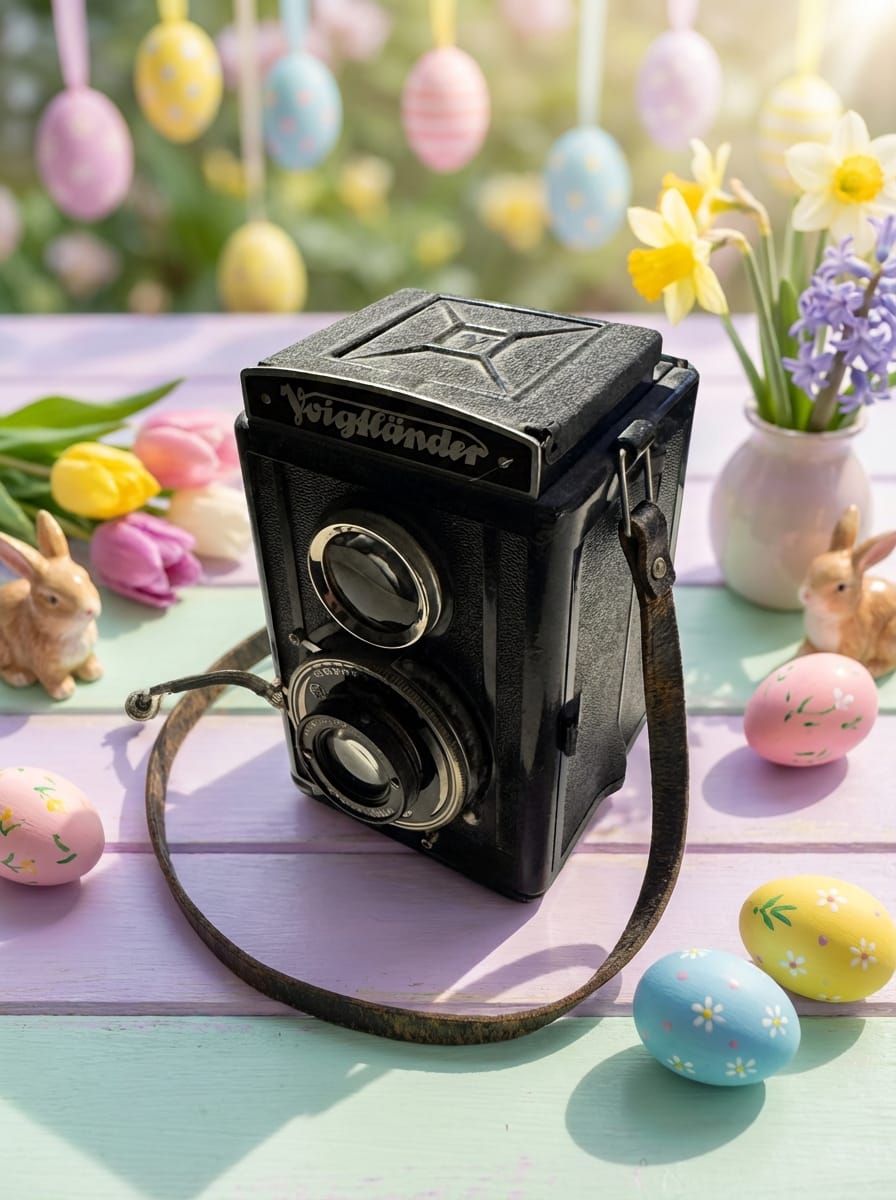
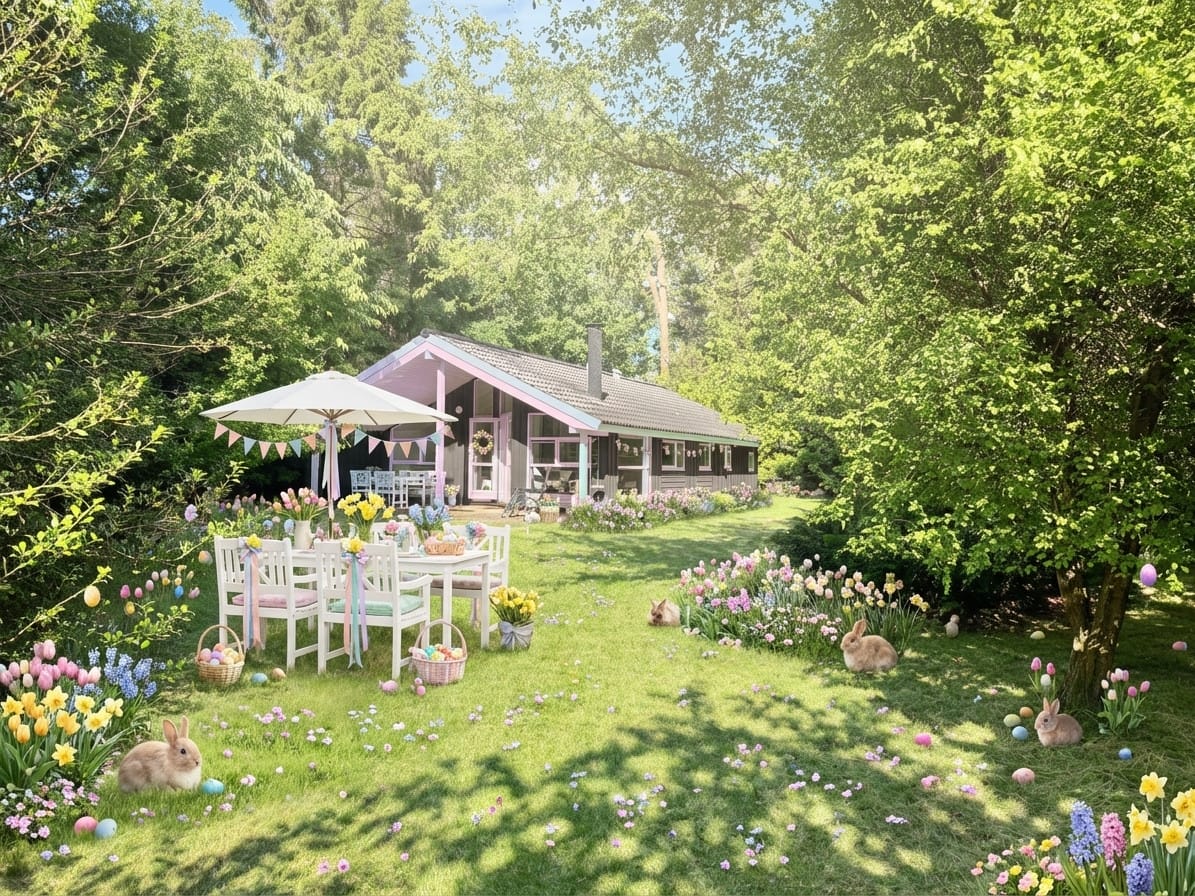

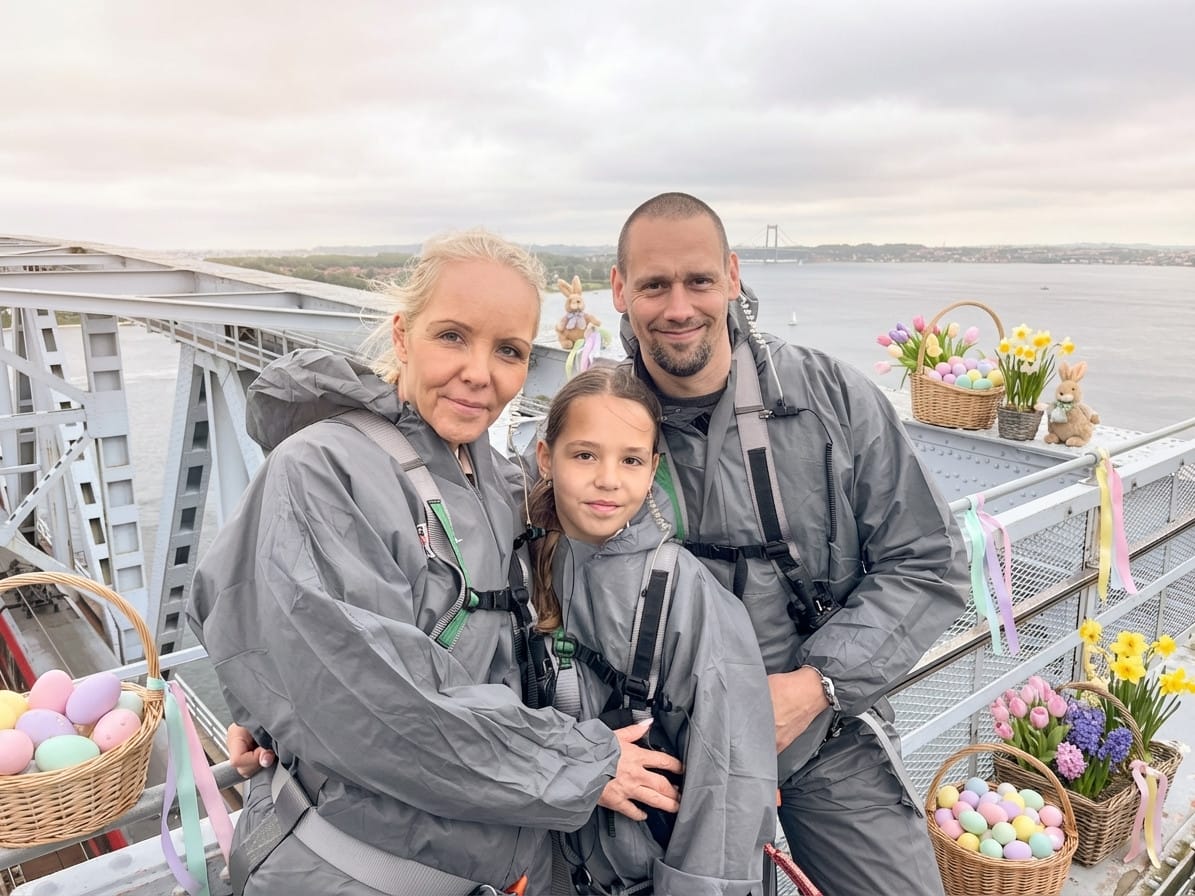
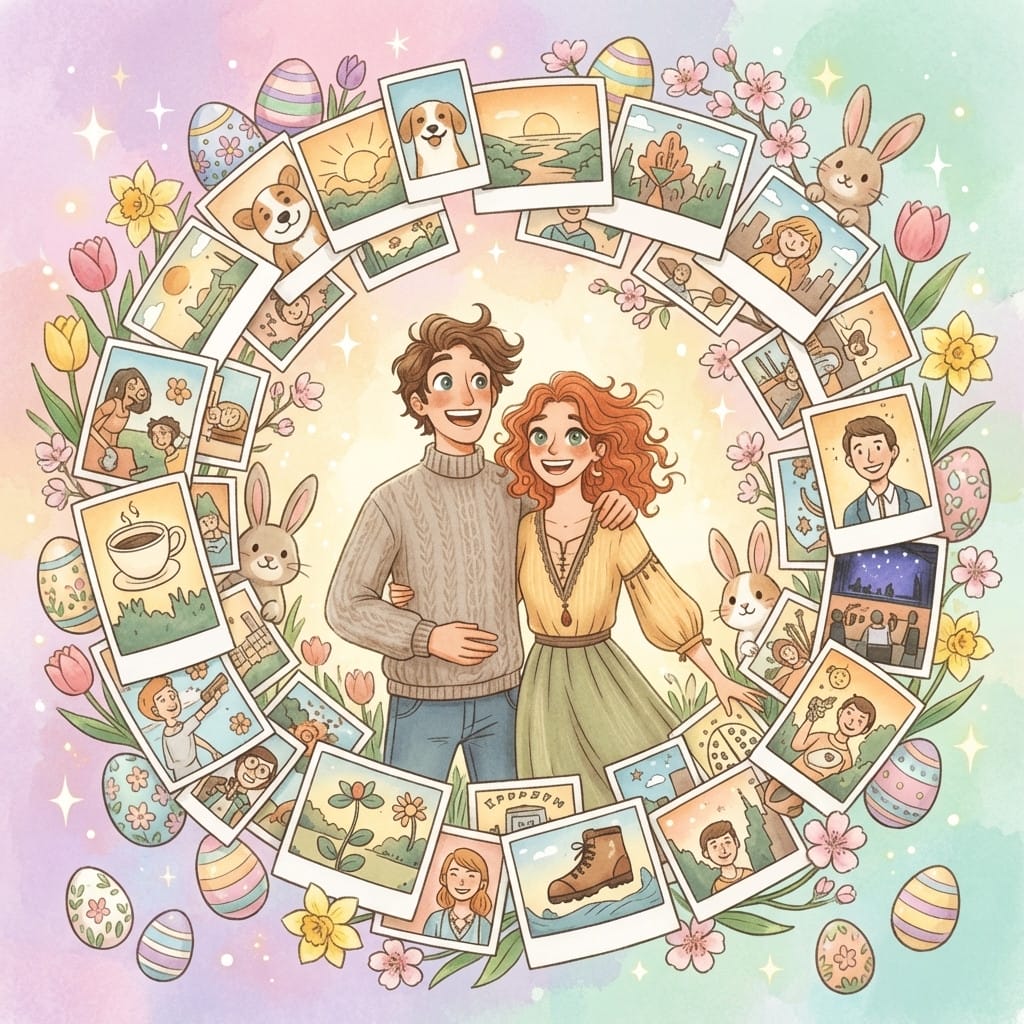
25 free credits on sign-up · no credit card required
Works for more than you'd think.
How it works
Upload your photo
Upload any photo — portraits, pets, products, landscapes. Our AI keeps your subject intact.
Apply the style
Select the style and get a free instant preview. See the transformation before you pay.
Download in 4K
Love it? Pay once and download the full-resolution version. No subscription needed.
Easter photo ideas
- Plan two weeks ahead. Easter dates shift each year — schedule your content creation for at least two weeks before the holiday to catch early planners.
- Great for kids' photos. The soft pastel palette is perfect for children's portraits. Upload a candid shot and let the AI add springtime magic.
- Combine with text. Download the 4K image and add your own "Happy Easter" text overlay for instant greeting cards or social posts.
- Works for brands too. Bakeries, florists, and gift shops can transform product photos into seasonal marketing images in seconds.
- Try the Spring style. For content that lasts beyond Easter weekend, the Spring style gives you the same pastel palette with broader seasonal appeal.
Frequently asked questions
How do I add Easter effects to a photo?
Upload any photo to Stemning, choose the Easter style, and preview the transformation with your free sign-up credits. The AI adds pastel colors, eggs, spring flowers, and soft lighting while keeping your subject intact.
When should I create Easter content?
Start 2–3 weeks before Easter Sunday. Since Easter falls on a different date each year (between March 22 and April 25), check the calendar early and plan accordingly.
Can I use this for Easter cards?
Yes. The 4K download is high enough resolution for printed greeting cards, digital e-cards, and large social media images.
Does it work on group photos?
Absolutely. Family group shots, kids' photos, and even pet pictures all work well with the Easter style.
Do I need a subscription?
No. You get free credits on sign-up to preview any style; the full-resolution 4K download uses one credit and requires a one-time credit pack.
Get more styles in one go.
This style is part of a curated pack. One purchase, every style inside.
Explore more styles
Stemning offers 73+ moods to transform your photos. Try another style:
Ready to transform your photos?
Start with 25 free credits. No subscription — each credit previews a style, and 4K downloads come with credit packs.
Try Easter style